Hello can someone explain to me whats going on here?
Hello can someone explain to me whats going on here?
So the preview output is working, but not the main output? That is super strange… did you try any of the other PAL settings on the EYESY? I think there are a few of them on the video settings menu. (you will need to do that keyboard trick like last time to change them)
yes! the preview, looks like work fine, but the output looks like it is out of sync.
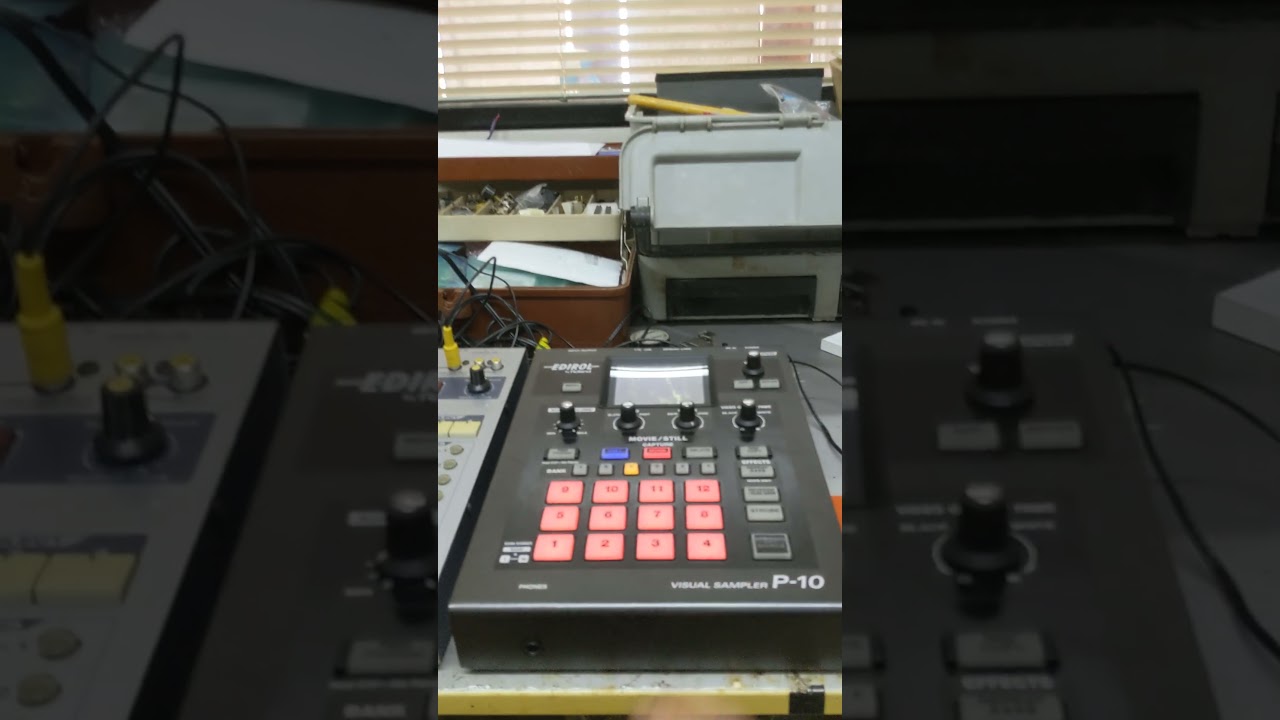
Also i tried the input of the sampler (look the photo of this post) and is out of sync to. So i asume that there something wrong with the PAL of eyesy, or who knows…
i did what you told me, to configure the video composite output in EYESY , but i can only change to put the output in PAL, not PAL N or another PAL options.
How can i do that?
Thans in advance.
Did someone use EYESY with Edirol V4 with OS 3.0?
…to confirm, you’re changing the PAL settings on this menu, right?
Changes to the composite video format will require a restart before taking effect.
Hello,i made the thing with terminal. Then I can change to PAL.
The thing is that when i want to change to PAL N, or PAL M it never change. I mean I select PAL N or PAL M and restart from System menu. EYESY reload PAL mode, not PAL N or PAL M.
I am doing something wrong? I can do a video if you prefer.
PD: I think that with OS 2 i used EDIROL V4 with no problem.
Do you have this mixer ?
Each time you want to change the composite output format you need to do the terminal commands. So the procedure is:
Apologies that this process is laborious. We will update it soon to work as intended.
No, unfortunately we don’t have the Edirol v4 to try it out. If the Edirol’s ‘preview’ is showing the correct image, but the main video output is not, it seems like an issue with the Edirol - the EYESY isn’t changing anything in its video output when the Edirol’s settings are changed.
Hopefully one of the other PAL formats will work with the Edirol V4. If not, there is the option to use an HDMI to PAL converter like this user:
Ok i will try to change to PAL N or PAL M.
Let me say that same thing happen when I use the EDIROL P10 sampler (see photo above) the Sync is not Ok, even with the EYESY in PAL mode. So I understand that the V4 isn`t the problem…Or who knows…
Im gonna try and I will tell the results.
Thanks for the patience.
Don’t forget about PAL60!
Hello im here again. I tried all the PAL options and none of it, works 
Will post some videos about it.
Some another thing…looks like the program change does not work on V3. Can someone tried it?
That’s too bad - since you can see the correct video displayed in the Edirol’s ‘preview’ and on other devices, the issue would appear to be with the Edirol.
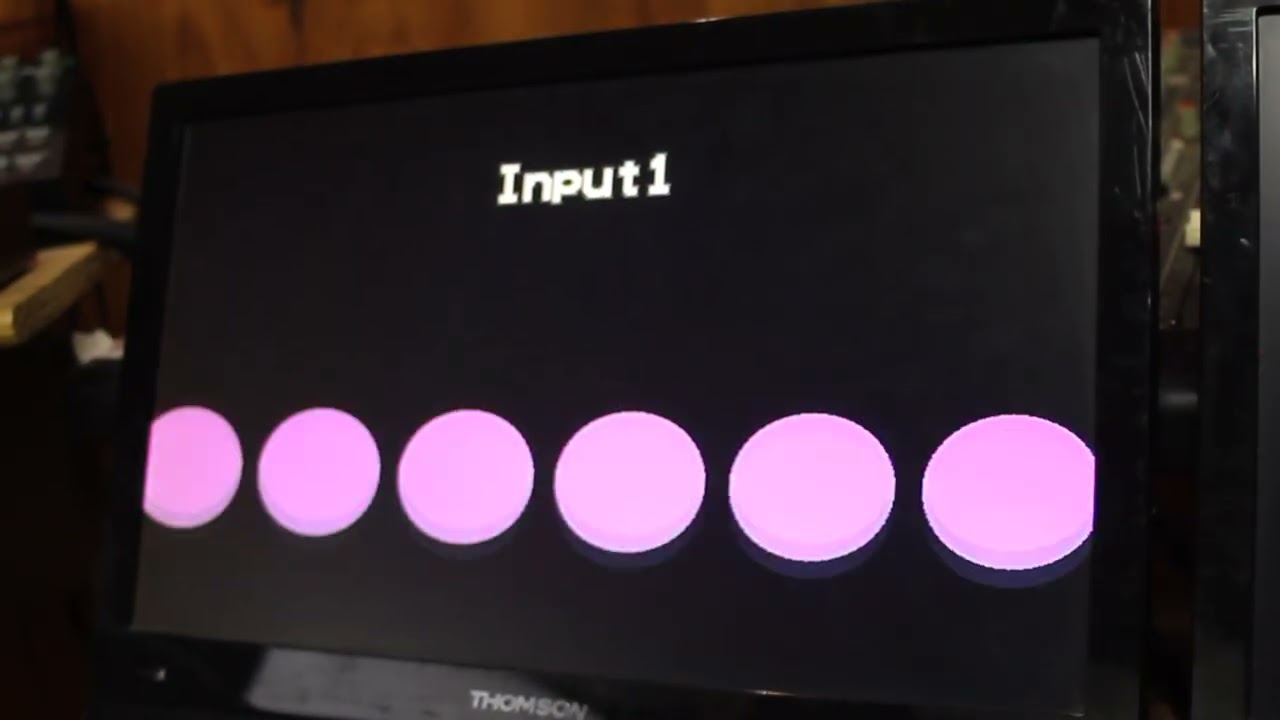
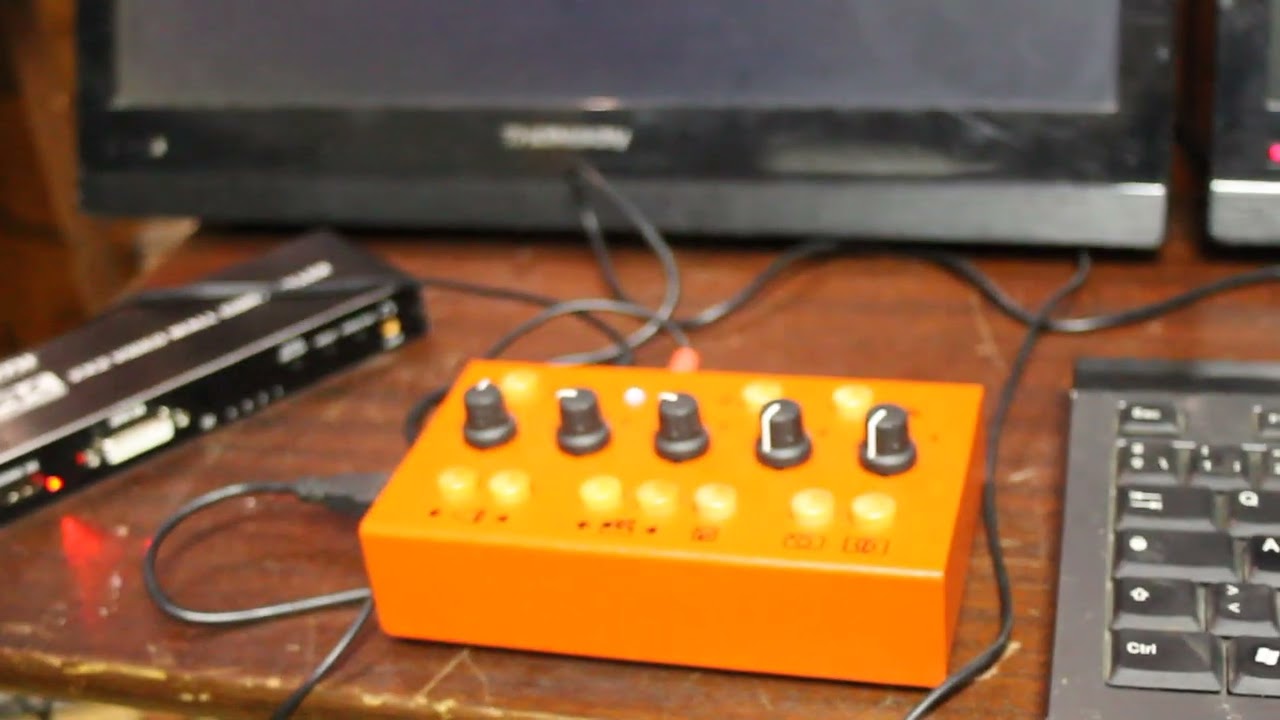
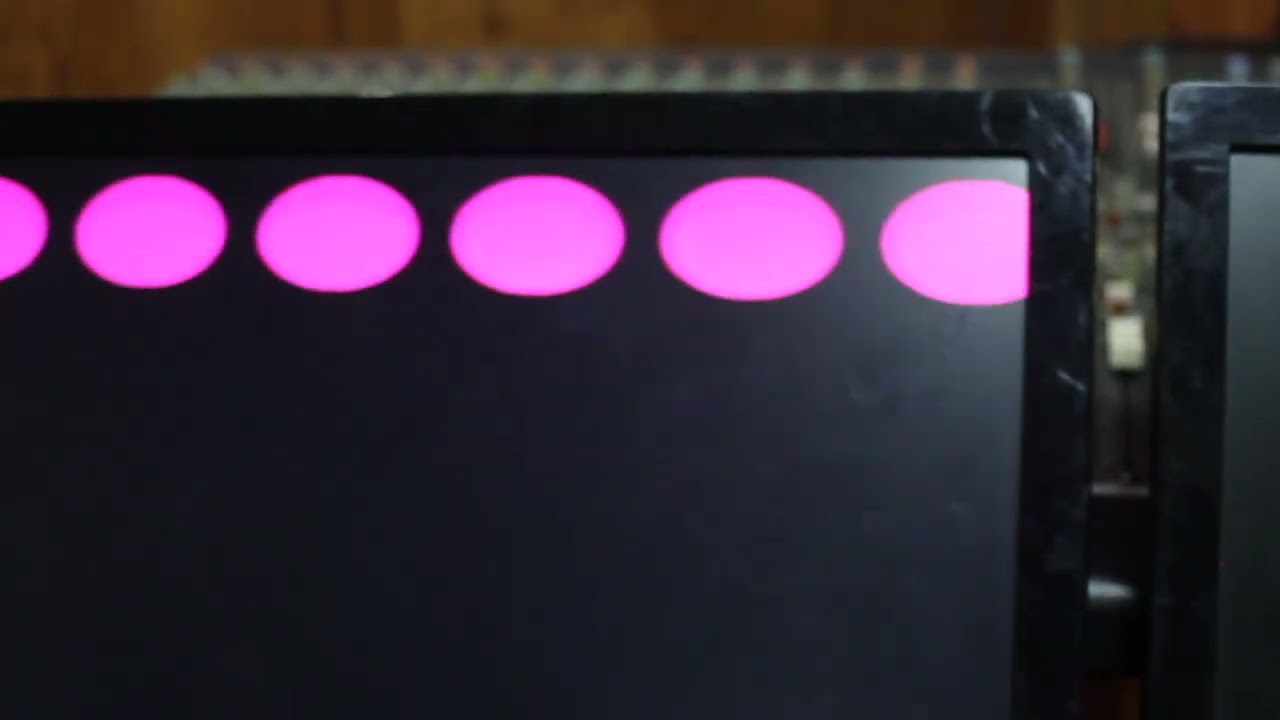
Hello, yes i know that apply to scenes  i have only 7 scenes. There is no way to change the programs. Actually I can change parameters vis CC (so midi is recieving) , but i dont know what is happening with program change, that never change. Do you tried de PC in V3?
Thanks.
Did you ‘map’ your Scenes to PC messages? Here’s the relevant manual section:
https://critterandguitari.github.io/cg-docs/EYESY/ey_os_3/#33-midi-program-change-scene-mapping


