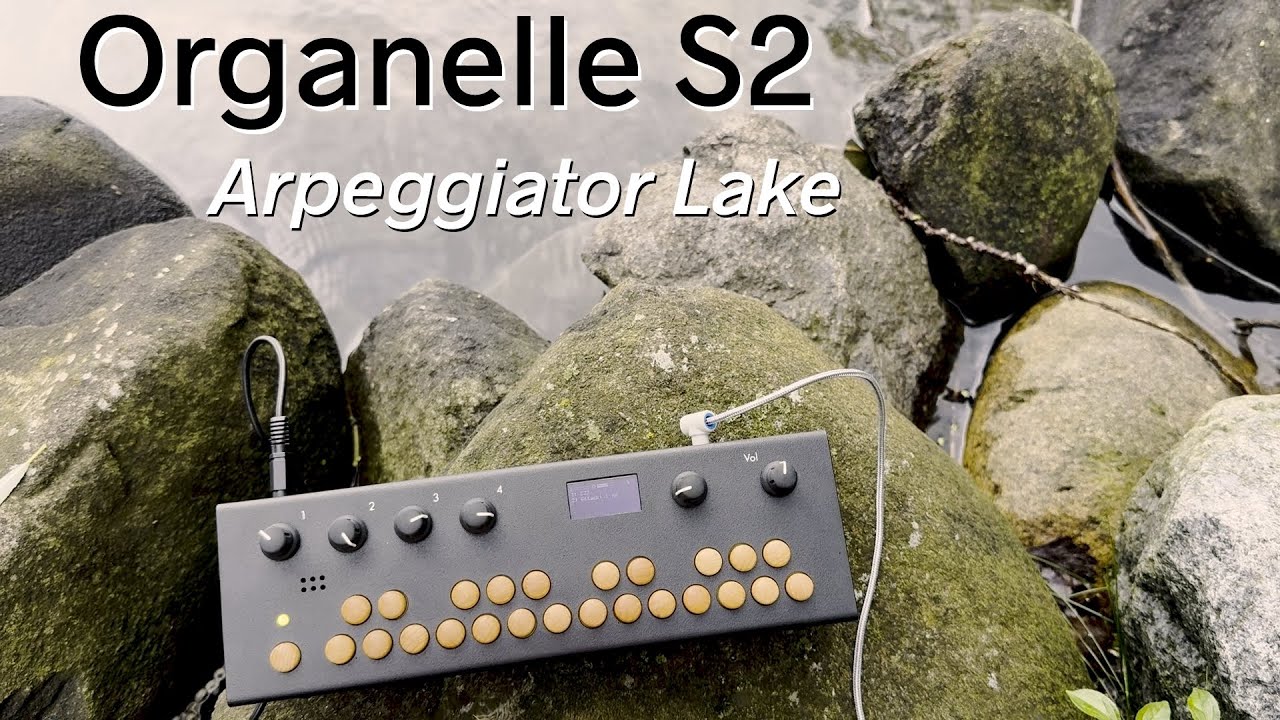
yes, we used a Ripcord and battery bank in this video:
Congratulations on the new release! I’m a happy M user and it’s exciting to see a new Organelle appear.
my s2 came today!
the wifi dongle it came with is much bigger than what I’ve used before - is there any issue with using a smaller one, or is this version critical to the new wifi setup? (new wifi setup looks cool & useful btw)
Looks cool, do you need a certain size of battery pack for it to run properly?
I’ll reply to my own post. I’ve pre-ordered one from Elevator Sounds in Bristol, UK. Think they’re due in a couple of weeks time.
We switched to this larger dongle because it offers better performance and works with both 2.4 and 5 GHz networks. It is also fine to use the older smaller dongle. The S2 supports a wider variety of USB WiFi dongle, although not every WiFi dongle will work.
Great to know - thanks!
fwiw I’ve been mostly using this thing, which I don’t think is a particularly great one, but lasts for a shockingly long time when powering the organelle.
Great, that’s good to know thank you. Not sure I get enough sunshine where I live to keep it topped up though.
Does it not have usb C?
Correct. The USB ports are USB-A.
I try again with my initial questions:
Will switching to a Wi-Fi version of the CM4 module work or does the metal case interfere with the radio signals?
The S2 will run processor heavy patches more easily. We don’t have any official benchmarks, but we’ve noticed CPU usage much lower running patches.
It does work with WiFi CM4, although the metal case does degrade performance quite a bit. I haven’t tried connecting the external antenna, but if you attached that to the outside, it would work very well I imagine. There is a small change to the /boot/firmware/config.txt file to enable on-board WiFi, but other than that all the WiFi settings work the same.
I am glad to get a Organelle S2 today. I checked the Chapter 6.2 of the manual and I tried to start the VNC Server. But It failed to run because the vncserver is not installed.
I downloaded and installed the OGM-4.4, but the vncserver is not installed.
Should I install the vncserver with apt-get?
The VNC server is actually already installed, we just didn’t get a chance to make a menu command yet, so you have to start it manually. With keyboard attached boot up the Organelle and run the following commands:
sudo ~/fw_dir/scripts/remount-rw.sh
sudo raspi-config
Navigate to number 3 Interface Options → VNC. It will ask if you want to enable VNC server, select yes. It will remain active after reboot, but you still have to start the desktop environment by typing startx. Then you should be able to connect using the Organelle’s IP address. I use VNC Viewer from RealVNC.
Also, check you are viewing correct version of the manual, I think we removed the VNC stuff from the S2 manual until we get it working.
Thank you. I’ll try it and report back.
Hello, since you updated the S model, may we expect to receive also a new M version?
Sorry
Hi @Giraffe :
Thank you, @oweno. As you mentioned, I was able to access the system remotely from my Mac using RealVNC.
However, the vncserver is running as a service, and the desktop environment to be launched in advance using startx.
Is there a way to configure VNC on the S2 so that I can connect without launching the desktop environment?
The web interface is great — it has a console, lets me edit text files, and even supports WAV file playback. It’s been very convenient to use.