Even if I change the selector to input, patches still picking up the internal mic.
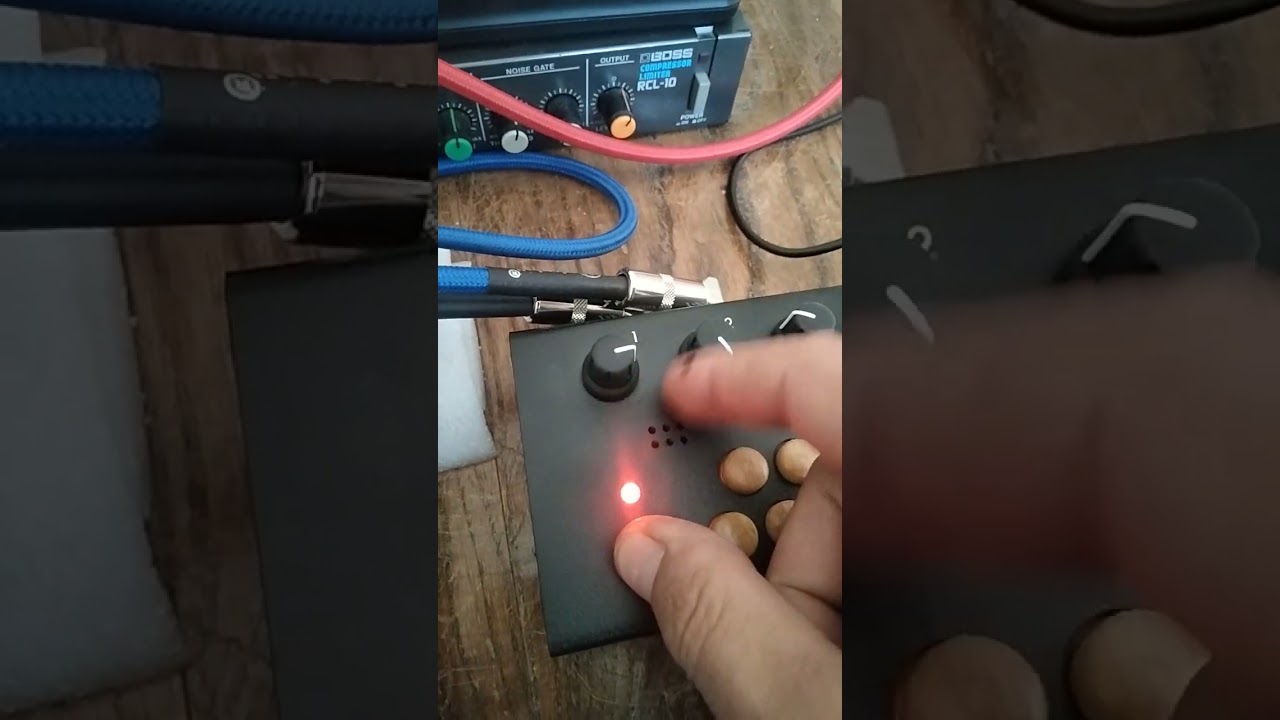
here you have an example with Nori Sampler picking up the internal mic:
What am I doing wrong?
Thanks!
Even if I change the selector to input, patches still picking up the internal mic.
here you have an example with Nori Sampler picking up the internal mic:
What am I doing wrong?
Thanks!
I flashed the sd an everything went back to normal, now the input switch works and patches recieve both internal mic and ext input.
After years with the S1, S2 is in the house and I’m glad with the endless fun its posible to have with it.
kisses!!!
Back again to the same state where internal mic is always on with no regard where switch is…
any idea?
Thanks!
Do you remember doing anything like installing a patch or loading a specific patch that might have caused it to go into this state?
No that I know.
I just did OFF ON and the selector works again.
I downloaded all Patchstorage patches and I’m trying all them out so it’s possible that some patch did it. It has happened two or three times but I can’t say which one was or if they where different patches.
If it happens again I will write down witch patch cause it.
I have exactly the same problem ever since the last firmware update on my M. Glad that I’m not the only one.
Using the Nori Sampler and the Nori Grains
Turning the organelle on now means a randomized on/off switch for the mic switch
Hi, I think I may have found a possible cause for this issue, at least on my Organelle M.
I was having the same problem: the internal microphone remained active regardless of the position of the Mic/Line input selector.
In my case I had an Arturia MicroLab mk3 connected via USB as a MIDI controller. I noticed that Linux/ALSA was assigning the devices like this:
card 0 = MicroLab mk3
card 1 = audioinjectorpi
Interestingly, the MicroLab does not actually provide PCM playback or capture devices (aplay -l and arecord -l only showed the AudioInjector), but it still appears as ALSA card 0.
When I unplugged the MicroLab, the AudioInjector became card 0 again and the Mic/Line selector immediately started working normally.
I also found this error while the MicroLab was connected:
amixer: Unable to find simple control 'Input Mux',0
I then checked the mother_cm3 binary with strings and found these commands inside:
amixer set 'Input Mux' 'Line In'
amixer set 'Input Mux' 'Mic'
So it looks like mother_cm3 calls amixer without explicitly specifying the AudioInjector sound card. If a USB MIDI device becomes ALSA card 0, amixer tries to find Input Mux on that device instead of the Organelle’s AudioInjector.
I confirmed that this works correctly even with the MicroLab connected:
amixer -c audioinjectorpi sget 'Input Mux'
It correctly finds the control and reports the current Mic/Line state.
So this may be an ALSA card-order issue rather than a hardware problem with the input selector. Perhaps the mother_cm3 Mic/Line commands could explicitly target audioinjectorpi instead of relying on the default ALSA card?
Hope this helps track it down. I can provide more terminal output or run additional tests if useful.
Small update: I was able to reproduce the issue consistently and also found a workaround.
If I boot the Organelle M with the Arturia MicroLab mk3 already connected via USB, the MicroLab becomes ALSA card 0 and the AudioInjector becomes card 1. In this situation, the Mic/Line selector does not work correctly.
However, if I:
then both the MicroLab MIDI and the Mic/Line selector work correctly at the same time.
So the problem seems specifically related to the ALSA card ordering during boot, rather than simply having the MicroLab connected or using it as a MIDI controller.
For now, booting the Organelle without the MicroLab and connecting it afterwards is a reliable workaround for me.
Thanks for explaining and your research! I had the same issue with teenage engineering EP–133 K.O. II