Starting this topic to discuss things related to the PLAY patches, how they work, how to develop synths and patterns, etc.
The system is documented here:
Starting this topic to discuss things related to the PLAY patches, how they work, how to develop synths and patterns, etc.
The system is documented here:
Continuing the discussion from New Organelle OS v5:
There is some documentation on using Chord here:
Include this at the top:
require("lib/chord")
Here is an example that will create a C-9 chord and cycle through the notes:
require("lib/chord")

function init(jam)
    chord = Chord.new("C-7,9")
    chord:print()
    step = 0
end

function tick(jam)
    if jam.every(1/4) then
        step = step + 1
        jam.noteout(chord:note(step, 5), 90, 1/4)
    end
end
If you put this in the patterns folder (save it like B-Chord-Test.lua), it will cycle the chord repeatedly whenever pattern B is selected.
Having fun playing with chords. And moving things around using the play patch format. Must have picked up some lua already as things started working first time after a while.
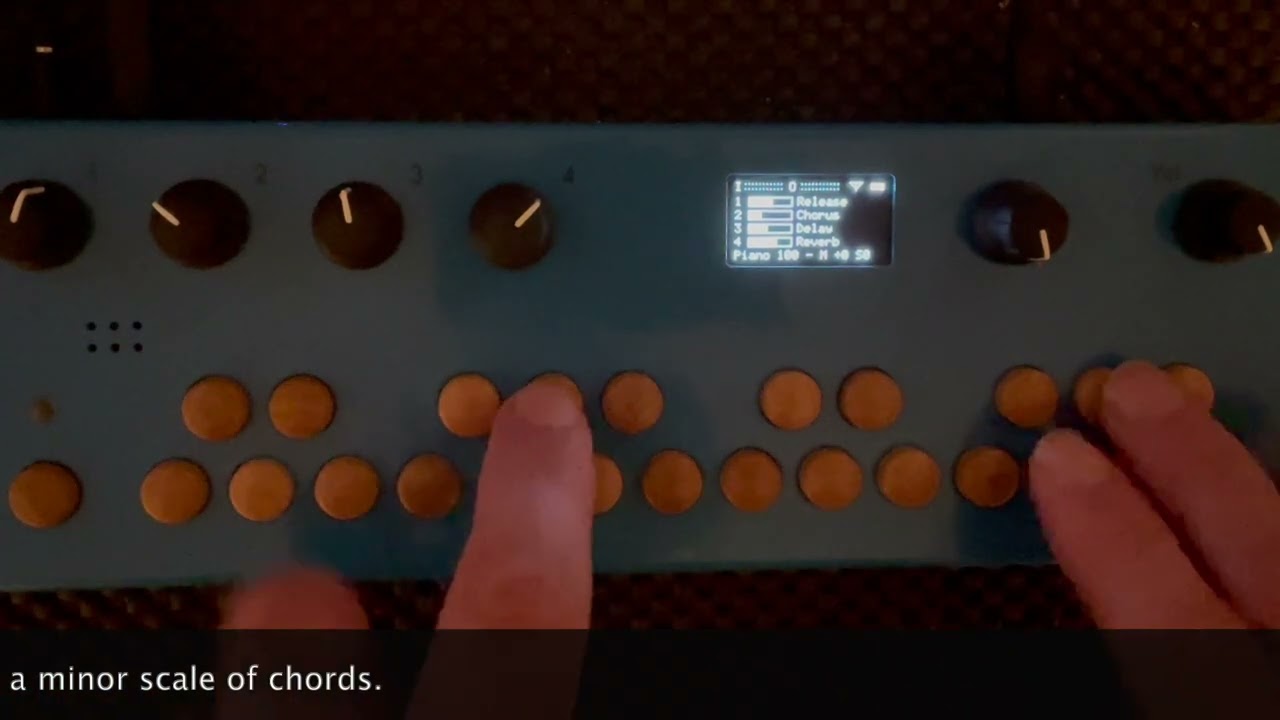
I’m nudging pitch to use major and minor scale patches for other keys. Think it’s probably a bit crappy how it’s done in a pattern file as I’m getting double off notes. But it works, so that’s the important thing.
function notein(jam, note, velocity)
– Handle incoming MIDI
– jam.noteout(note,velocity)div = note // 12
mod = note % 12
– check voicesif mod == 0 then if velocity > 0 then local chord = Chord.new("C") chord:voice((div * 12) ):playv(jam, velocity, 10) elseif velocity == 0 then local chord = Chord.new("C") chord:voice((div * 12) ):playv(jam, 0, 10) end
Better way of doing this? (Using chord:voice as other chords use C as base note etc.).
Sounds nice, what are you using for the piano sound?
There is peculiar way the notes are routed in the Lua part of the patch, where note offs are always passed to the through (bypassing the pattern). Maybe this is what you encountered? It probably shouldn’t be like this. I was afraid of a pattern leaving notes hanging, but all note ons get flushed anyway when you change pattern. You can comment out lines 39 and 40 of lib/organelle_track.lua to prevent those extra note offs.
Ah perfect and that’s encouraging, thought it was just me doing something wrong with the double notes. Not causing any issues!
The piano sounds are from a sampled yamaha grand piano. They’re copyrighted as free for personal use, but also found on github but needed to convert / rename etc. I’ll use the contact email to see if ok to share for patchstorage in usable form as they’re really nice.
I am really hoping we might see a new Juno-60/106 patch now that we have the new OS v5 capabilities! The juno-104 patch on Patchstorage is wonderful, but it’s currently limited to 4-voice polyphony.
With the new v5 hybrid (PD/Faust/C++/Lua) architecture, a 6-voice version (matching the original hardware specs) would be absolutely amazing. I would love to build this myself, but unfortunately, I am not a programmer. I would be thrilled if a developer in the community takes this on in the near future. 
Yeah, that’s a really nice patch. I think you just need to move some stuff onto another processor as patch is quite processor heavy. It would be really good if there was a “play” simple version that worked largely off presets and a few parameters rather than lots of pages, so then would also had the arpeggiator stuff available. Do you use or have presets?
Good point! I completely agree that offloading some processing or simplifying the layout could help.
To answer your question: I don’t really use presets; I mostly prefer to sculpt and shape the sound live. I’m mostly looking for a good Juno emulation on the Organelle because I love the classic 80s sound.
I’d be completely on board with a simpler, streamlined version of the patch if it helps free up processing power for the 6 voices and the arpeggiator—but you know, the more parameter tweaking, the better, right?! 