I’m experiencing the same bug, though I got AP to work initially. The issue seems to have started after I connected to my WiFi network, as now the Start AP flips on for a moment and then immediately off again.
This is usually the case when the USB-WiFi adapter is not inserted into the Organelle M. Can you confirm that it is inserted.
Does the Organelle M still join your existing WiFi network?
Hi! Yes it does still join, so it’s ok…but I haven’t been able to switch back to AP mode. The WiFi adapter is definitely inserted. No problem here as long as the WiFi works, but maybe a bug to look into? Thank you so much.
I have this same issue and am wondering if this something that needs servicing or has there been some kind of firmware update since that could solve it? I’ve had this around 6 months now and haven’t been able to connect to wifi,
I see the AP network on my macbook pro and I am able to connect to it but I when I try to go to the page organelle.local or organellem.local, chrome tells me that the “website” is unavailable. what could be the issue? thanks
What version Organelle is this? With the new Organelle S2 host name doesn’t work and you have to use the IP address listed in the WiFi menu. For example http://192.168.1.144, also make sure it is “http” and not “https”
It’s an Organelle M version 4.0 . Chrome tells me the connection to http://organellem.local is not secure so I authorized it but it doesn’t change anything. Same with the IP adress listed in the Info menu. Not sure what to do. Thanks
Did you start the web server? Without doing so, you won’t be able to access the Patch Manager page.
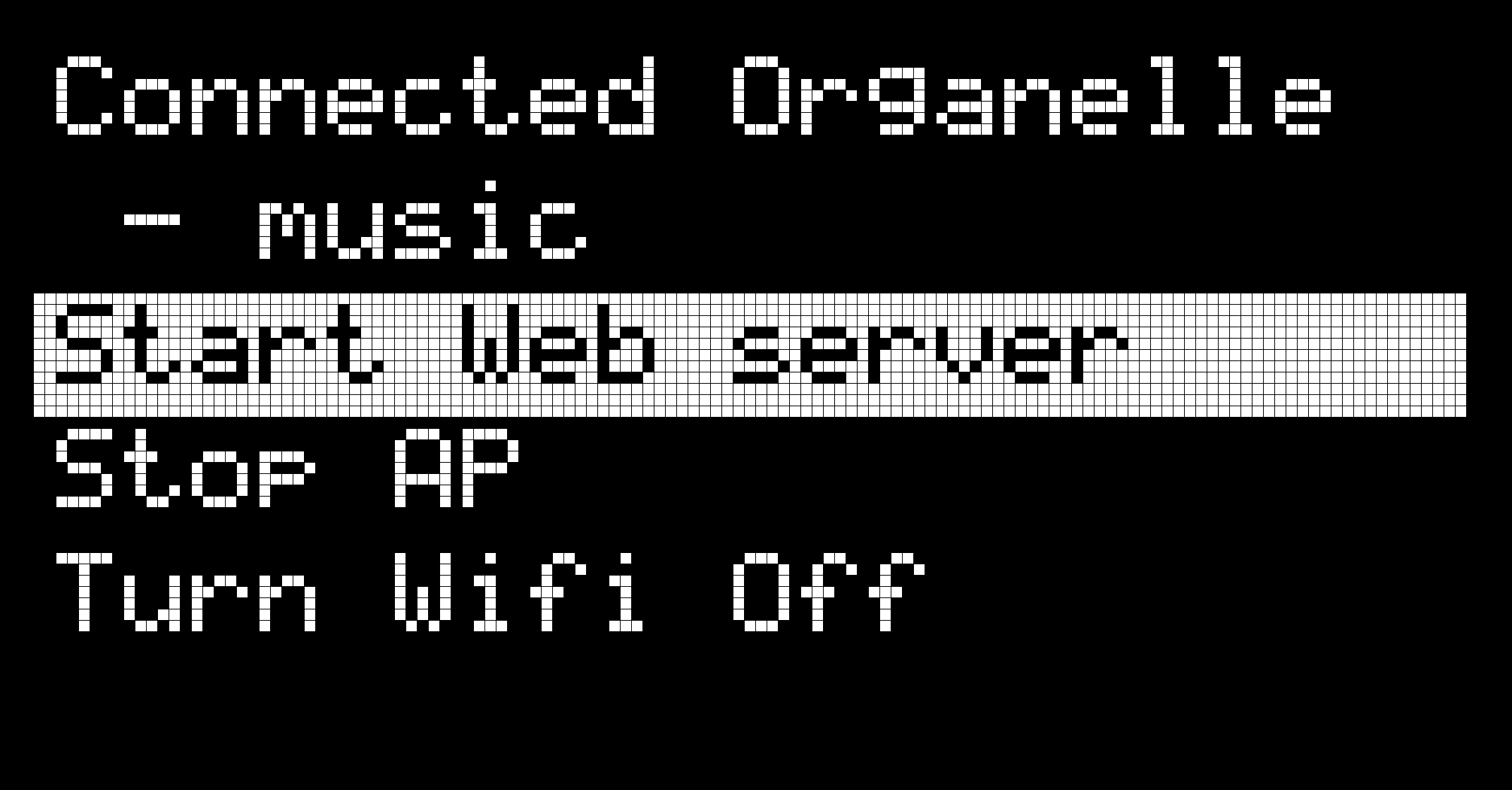
More in the manual.
Yes I did start the webserver and the organelle m says it is connected to my Wifi. But when I go to my browser, it can’t load the Patch Manager page
It might be an issue with Chrome. Do you have another browser you can try? You can also try to connect on your phone/tablet.
It was indeed an issue with Chrome I think. I managed to make it work with Safari. Thanks for your help!
1 Like