thanks for the quick reply!
1- it was that! i got confused with empty screen, thnks.
2- nice! looking forward to it!
3- 
1 Like
This is revolutionary. Not a request, just wishful thoughts, but this would be so wicked on pisound. I doubt too many here one but I enjoy having two Oracs synced. I have an Organelle M and a pisound with Orac but Orhack on pisound alone would be insane. Many thanks for this lovely system. 
Edit: I asked about it on the Blokas forum.
After figuring out what went wrong with my SD Card I had a grateful jam with my Organelle and Orhack. I still get some crackles, so the SD Card haven’t solved that at all but it seems a bit more stable to me. I think that I tend to use the patches that need more resources.
Things that are not clear to me why it happens:
-
I noticed that I get more crackling after loading a pre-saved preset. When I start from zero and built up the patch live it is almost crackle-less. If I then start multitrack recording I get a bit of crackling that won’t disappear after stop recording. If I reload after saving a patch or reopening Orhack after multitrack recording I get lot of crackles. (that was the case with the patch I send with this post)
-
I also get this when loading another model or loading another preset while the patch is running. So switching between patches flawlessly is something is not possible atm. But I don’t know if this is possibe or intended at all.
I will send my preset so someone can check if needed, but don’t give it too much attention since I think I have very high expectations on the Organelle that I need to bring down a bit. (what not means I wouldn’t be thankful if someone checks and tells me it’s totally realizable)
new-2.zip (186.9 KB)
Another thing I thought of: Maybe it would be useful to implement a copy and past feature for slots in the chain, so that you could easily rearrange or duplicate things you tweaked in a specific slot. Dont know if this is possible or easy to achieve, but there were some cases I would have used it if it would be there. 
Jables
Tried the preset, nice sounds
I’ve noticed you are using braids on b2 and plaits on c2. Try the “+”-versions instead, they are definetely more cpu-friendly. After changing that in your preset, i don’t get any glitches at all. Also when multitrack-recording. You have to tweak the sounds after changing though, because the ±versions are a little bit different in structure.
1 Like
Will try this preset asap as I don’t have the organelle with me atm, anyway the crackling while swapping modules or changing preset is inevitable, and it’s one of the reason why Orhack exists, the 10 patterns on the sequencer modules and the morpher module are there to avoid having to change main preset while performing. 
1 Like
Can confirm I get the popping/cracking when changing stuff during playback.
I also get another phenomenon where if I’ve got about 80% of the preset full and I add one more thing then Organelle will make a persistent popping/crackling in sync with the clock. There doesn’t seem any way to fix this, it isn’t from a specific instrument or anything. It will persist across a save.
I know, I know I’m pushing Orhack too hard but just wanted to report as this seems different than the crackling caused by changing during playback.
1 Like
That was it !
It could be quite useful to have the possibility to rename it and put it into a folder.
I’ve already fallen in love with this! Only issue I’m experiencing is that once in a while I’ll have a note being stuck when playing live. Only fix is reloading the preset. Happens with both MIDI keyboard and the Organelle keys and with different synth setups. Did anybody else have this problem?
1 Like
I finally mastered it.
It’s really about having an eye on the CPU usage. What sounded a bit odd to me in the first moment is actually part of a really nice sound/music creating process. I found myself comparing the CPU usage of different patches and it’s nice to get forced by the CPU to change something till it’s sounding amazing. For example having a wonderful sounding synth voice but it’t too CPU hungry; so you got to change to another synth patch that sounds not as far as good as the one before…; till you tweak it and it comes out amazing; at least since you’ve tweaked it with two additional effects, what is possible now because you saved 20% of CPU power! It’s so cool.
I tried the ‘Empty’ patch from @electrafa for that CPU comparison.
https://patchstorage.com/empty/
It’s really really handy cuz you can load it on a free unused spot anywhere and then look in while comparing patches. It’s not fully compatible with Orhack I guess. I got no sound when putting it into Slot f2. So I guess it has no audio through or somethin, but I haven’t really checked on that. Gonna do that another time.
But anyway it would be super cool to have this CPU Display in the Empty Patch of Orhack. I found it waaaay more precise than the CPU Display in the Organelle’s INFO menu. The Info Display always showed 20-40 % (always about 45-52 CPU usage) less than the Empty-Patch Display (when getting crackles about +/- 92 %).
1 Like
If you want the most accurate CPU usage, type ssh music@organellem.local (or just organelle.local if you have an original) into a terminal on a different computer. For Windows you can use Powershell, Terminal for Mac OS X or Linux. When you get into it, type htop. This will show you usage across all the cores can be nice if you are using multicore patches. It’s not always necessary as the main Pure Data process is usually on one single core that will lag things but its my preferred usage since I run multicore modules where ever possible and usually have one or two instances of the Juno-104 patch which is crazy CPU intensive so it usually gets it’s own core to not slow everything else down
3 Likes
Thanks @T8R ! That’s perfect! I haven’t knew about the advantages of VNC and ssh and learned so much In the last days with you guys.
Do I need to be careful in the terminal? As far as I understand I can’t do a damage before I’m in root mode, but donI need to quit ssh on a specific way or is it ok to just close the terminal?
You are probably safe just closing the terminal unless it is doing some reading/writing of data but technically the correct way is to just type exit. You don’t have to be worried too much about breaking stuff in the terminal however. A lot of the systems have checks in place before executing something that could change your system
@modern_mirror if you mean crackling while hot swapping modules while the transport is running, that’s completely normal.
@Lijcke I’m really happy to know that it fixed the issue, I’m afraid, you can only rename the one folder named “0RHACK” if you wish to do so, but the position of the folder and the other folders name should remain as they are, else it would not work.
@joja I have experienced some hanging note once in a while especially while using external midi keyboard, but that was true on Orac too, I might look into that issue in the future to see if there’s something I can do to improve that.
@jbls I suggest avoiding the Pure Data cpu metering, it is not accurate at all, especially on multicore organelle. The best way we have to really check the cpu load is by using terminal and htop.
4 Likes
i can’t get my akai lpk25 to work, could it be because i need to delete that patch_loaded.sh file? i’ve found it on the sdcard directory, deleted it, but when i open orhack it automatically creates another again. even though, by doing that, couldn’t get the controller to work.
@Audivit i’ve also tried going to the router module, press the last key, and then navigate with the encoder to the midi sections of the different chains, turn the first knob to “on”, and didn’t get it to work. do yo know what is it that i am doing wrong? with native organelle patches and also with orac it works fine.
The patch_loaded.sh provides the initialization for your MIDI devices when Orhack is opened. It will be created on startup when Orhack is run. If you said your controller works with Orac you can probably just take the patch_loaded.sh from its folder and drop it right in. I don’t think there are any changes in that regard between Orhack and Orac so in theory it should work.
It should probably have some line it like Akai MPK25:1 Pure Data:0 which connects the MPK output to the Pure Data input
2 Likes
I’m having great fun with this, thanks so much Audivit. So the sequences module isn’t working, am I right? Can’t get it to playback in sync. Is anyone recording ‘performances’ or do we have to programme in notes using overflow for now? I used to like multicycle’s way of recording / launching phrases
1 Like
hi again! I’ve been playing the last few days with some instrument-modules, and experiencing a problem with the module “percussions”, can’t get any sound of it… being that the kits are read fine with “samplement”, I guess that the directory on which I have the kits is the correct one (inside “media/orhack/kits” if I remember well the path). I have the last version of ORHAC installed on the folder “patches”, and I’m on an organelle M with OS 4.2
I love multicycles as well. It would be awesome to have this kind of sequencer as a module in orhack!
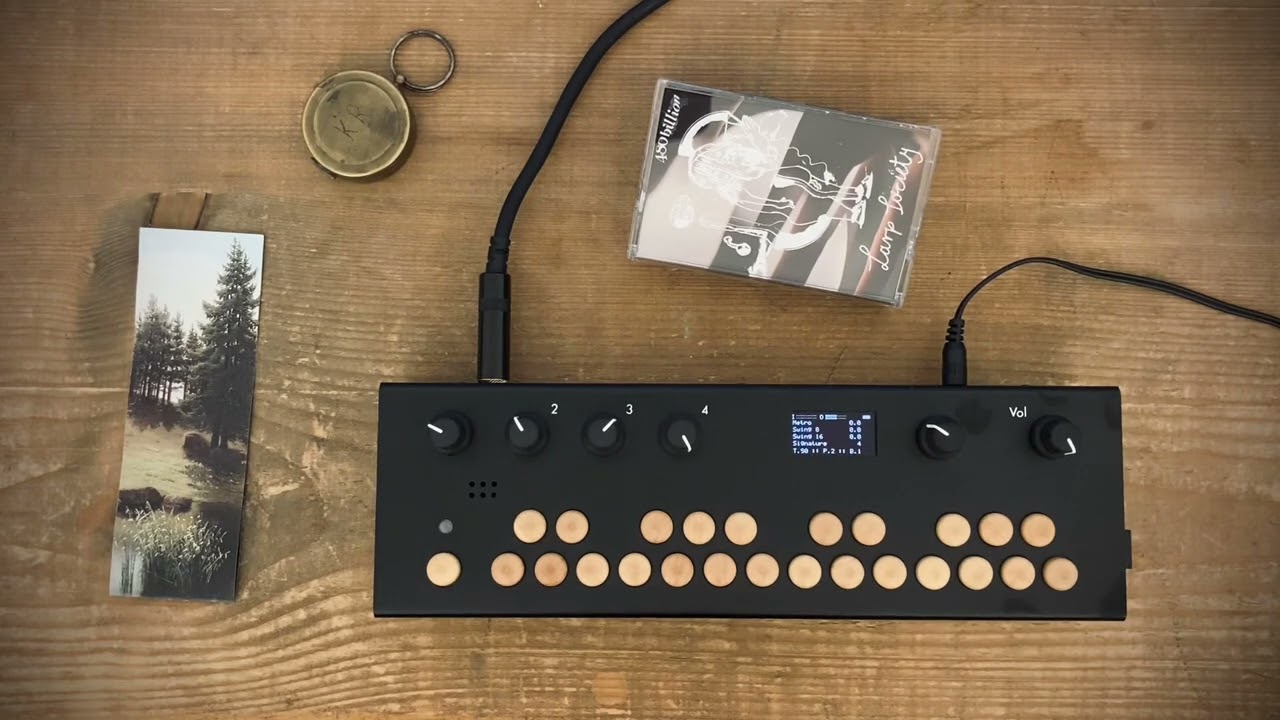
Here comes my second jam with ORHACK. Hope you enjoyed it:-). Cheers and happy hacking!
7 Likes
found the problem!! it turns out that the module “percussions” is looking for the folder “kits” not on “media/orhack/kits” but on “media/kits”.
1 Like