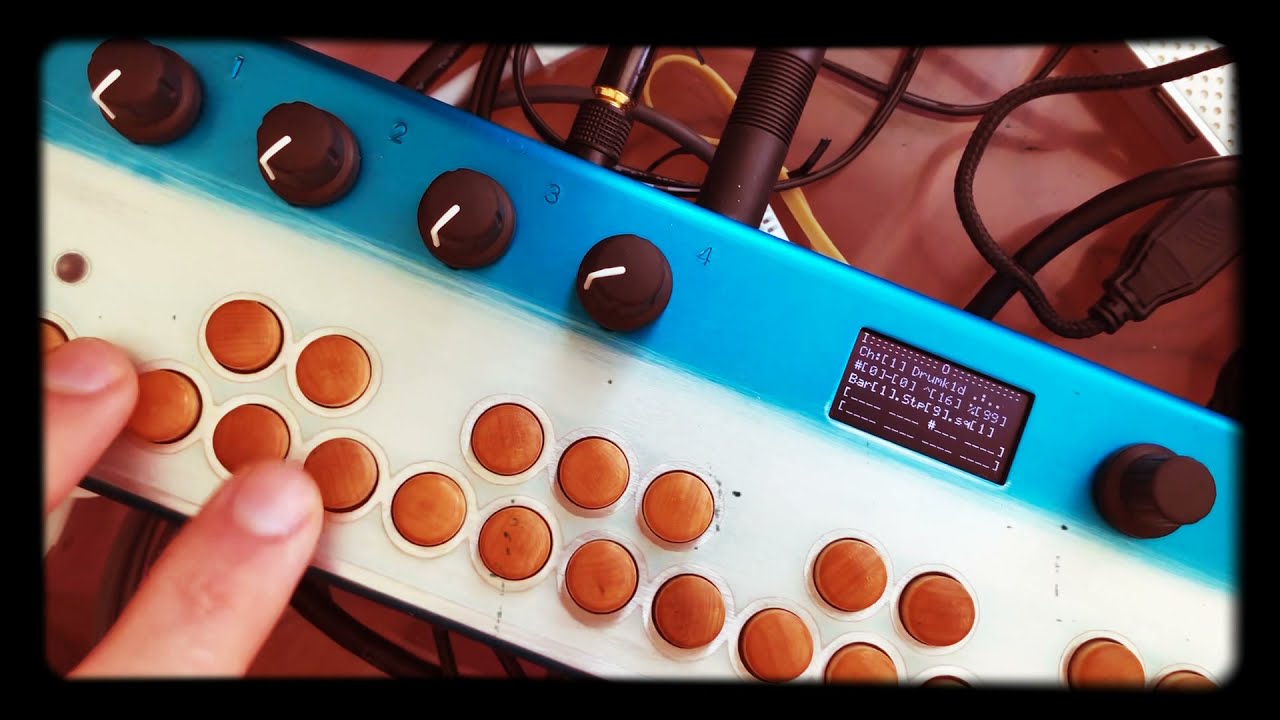
Hi @Ryanm0121 , Thanks for your feedback and thanks for recommend the patch to your friends
The way to load user samples in s3rquencer is to open the patch folder and replace the samples in the folders 1/2/3/4 …
Samples are named 1.wav , 2.wav …
User samples can be quite long up to even a couple of bars… Loading long samples leads to a momentary glitch in the playing audio or even to a crash in case of a very big sample. I have an idea about how to overcome that but this might have side effects / bugs…
The best way to learn puredata is to start downloading and modifying patches. After you managed to “hack” a dozen of patches then is when you start to do on your own from the scratch
Hey @Servandob, I just bought it and tried it out, very nice patch, very good work !
Some early feedback :
When you tweak knobs in the sequencer mode, the display jumps directly to the current position animation, so you don’t realy see what params and what values you are tweaking, adding a slight delay before the sequence position animation take over would be nice.
also, I didn’t find the way to mute chanels 8 to 14 in the mixer mode…
Really enjoying your patch, and excited to see it evolves.
Hej @rholda ,
Thanks for the feedback.
I gotta see if I can improve the feedback in the display. Working with delays is tricky… It was like that before but it had “bad” side effects…
I didn’t add mutes for channels 8-14 because that would require key combination and that also would steal display space that I have been reserving for trigger probability.
The workaround for now is to go to the channel and turn the % parameter (last knob) all the way to the left. That should prevent any notes from getting out.
Other thing I want to implement is that the output of sequencers 8-14 can be used as Lfo or modulation source for any parameters in synths / samplers.
Thank you very much for this excellent Sequencer !
Really easy to take your hands on.
I use a lot the rec sample function and i’m wondering if there is a way to save the recorded samples as presets ? When i use storage → save it doesn’t work.
Another question, would it be possible to bring a “monitor function”? So you can hear the input sounds, in my case the sample I want to record, before recording it? And also play over the sequencer with input instrument.
Hi @adelabi, thanks! :).
I’m changing the sampling system for the next release so it will be possible to save / overwrite the samples.
The monitor function is there already!. in the Channel 14 there is an “input processor” / thru machine, etc. the knobs enable inputs l,r, L+r, etc… There are also insert effects (+ aux effects…) in there that you can use if you want to process external gear in the organelle and mix it together with your sequences. Maybe for the next release I will enable the possibility to send the processed input to be sampled With the insert Fx. “resampling” will be an option too.
I will post here when the next version is ready and I will mail all the customers when the new version is ready.
Greetings
S
Thanks for your effort @Servandob . I´m enjoyng a lot your sequencer. It´s really nice to read about your development of new versions and new releases. You hear your customers. I have some ideas, but first I need to enjoy S3rquencer a little bit more.
Thanks a lot!
Next update will be a big one!!!..
The samplers can now instantly recall or save the samples newly recorded with just a combo press. same thing with the sequences…
samples can be pretty long (user customizable) and the sampler will record while the keys (or footswitch) are pressed. I’m working on quantized recording & multi-layer recording. (a.k.a looper mode…)
Also. now it’s possible to select the input to be recorded. L, R, L+R, Bus, Aux3 & Resampling.
5 different synth engines + 2 input “processors” will be available in channels 8-14
Hello!.
Here is the new version of S3rquencer with loopers, Drumkits, probabilistic sequencing, master recording, 12 mutes , saving / reloading samples and sequences, etc etc its Now in Gumroad… Still there are some bugs but I wanted to upload this version as soon as possible so I can have a little break from it.
A little list of New features and how to access them can be seen opening the main.pd file . I will be working on the manual and demo videos asap.
greetings!
This should be a free upgrade for those that purchased before.
Greetings
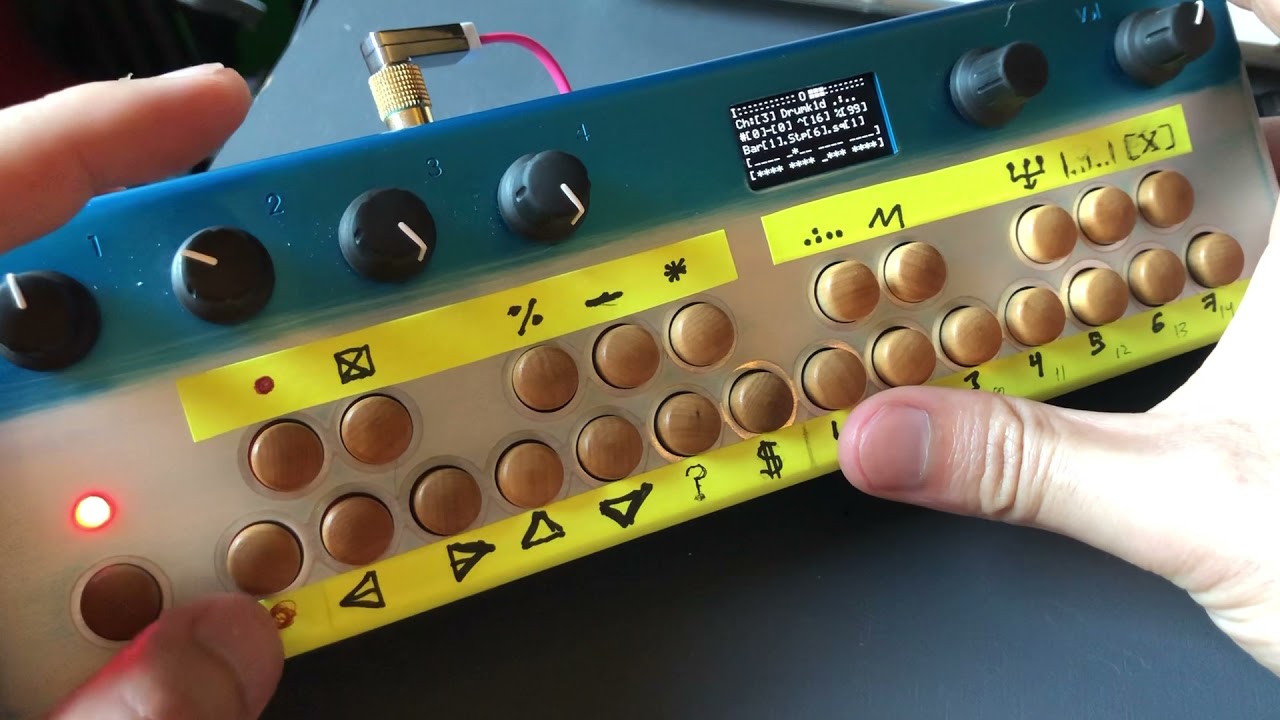
This might be useful… If more people is interested We could try to make a proper overlay . What the icons currently show is not super important but probably you can guess easily Where copy / paste , navigation & save button are…
As stated before, open the main.pd patch even if its just to see the list of new feats and new keycombos. (hypershift+rec to rec sample/loop)
greetings.
Thanks a lot Servandob for your effort. Looks promising. I tried it but it’s quite difficult to understand new features only with description on main.pd. It could be nice a video or an manual update.
An overlay to print could be wonderfull.
At the moment what works ok is saving and recalling sequences and samples independently. (or simply record master out…) There is the experimental feature of loading and saving at the same time all samples and all sequences from the master section
*
Shift d/e to select shift F to load and shift G to save (in master section)
If that doesnt work, try with hypershift.
but that is also gonna stop the audio for a bit so I wouldnt recommend to do that while performing…
Also, any parameter adjustments, fx, mixer settings, (different s3rquencer setups) etc don’t get saved so saved scenes are likely gonna sound different when you reload them.
What’s your particular case for syncing S3rquencer with something else?
I opted for leaving midi sync out in favor of link that is a way more stable and precise clock. link is also open source so even if you don’t have ableton live. you could just run puredata in a laptop as an ableton link server.
If you have a little experience with pd, you could also get a midi clock in from other organelle patch (arpeggio synth) and paste it in the master section of s3rquencer you will have to cut the cable that goes to the [s linkraw] object and send a 0-15 counter to that object at a rate of 16ths.
Hi Servandob,
many thanx for your quick response.
I’ll try the midi sync workaround, cause an Aturia Keystep controls and sync my setup-> Digitone, Polyend Tracker, etc…
But sync via Abl.LINK is also fine.
BR
Holger